Here's a pattern I've seen (and lived): you take careful notes in class or while reading. You know you should convert them to flashcards so you can actually retain the material. But making flashcards by hand takes so long that you just don't do it, and your notes sit there until the night before the exam when you read them in a panic.
The manual creation problem is real and it kills study habits.
Why copying by hand doesn't work
Making flashcards by hand has a meaningful time cost, and it's not just the typing. For each card, you have to decide what the question is, what counts as a complete answer, whether to include context, and how to phrase it simply enough to be useful during review. For a 10-page chapter, you might spend 45 minutes making cards before you've studied anything.
Some people try to fix this by exporting notes directly to Anki or similar apps. But pasting in a wall of text isn't a flashcard. You still need to split it into individual questions and answers, add context, and clean up the formatting. You've saved some time, but you're still doing most of the work.
The result is that most people make flashcards for one chapter, feel tired, and stop. Or they make cards that are too long, too vague, or just bad, which makes reviews frustrating and less effective.
How AI changes the process
When you give an AI your notes and ask it to create flashcards, it does the editorial work for you: identifying the key concepts, breaking them into individual question-answer pairs, and writing them at an appropriate level of specificity. A page of notes becomes a usable deck in a few seconds.
The quality is genuinely good. Not perfect, but close enough that you're editing rather than creating from scratch. Fixing a card takes ten seconds. Writing it from nothing takes a minute. That difference adds up quickly over a full course.
You can also generate cards without any notes at all. Ask for 20 flashcards on the subjunctive mood in Spanish, or on the causes of World War I, or on Python list comprehensions, and you get a coherent set of cards covering the topic. It's useful when you're starting from scratch on a subject and want to map the basic concepts before going deeper.
Getting better results from AI card generation
The output quality depends a lot on what you give it. A few things that help.
Be specific about what level you're at. "Beginner vocabulary" and "advanced vocabulary" will get you very different results. If you're taking a specific exam or following a specific curriculum, say so.
Chunk your notes. Dumping 30 pages at once tends to produce cards that are too general. Break your notes by topic or chapter and generate cards for each section separately. You get more targeted cards that actually map to what you're trying to learn.
Review and cut. AI will sometimes generate cards that overlap too much, or cards where the "answer" is too long to be useful during a timed review. Spend five minutes after generation pruning the deck. You don't need to edit everything, just remove the weak ones.
Ask for context. If you're learning vocabulary, ask for cards that include example sentences, not just word-translation pairs. The context is what makes the word stick.
Using Vocabbie for this
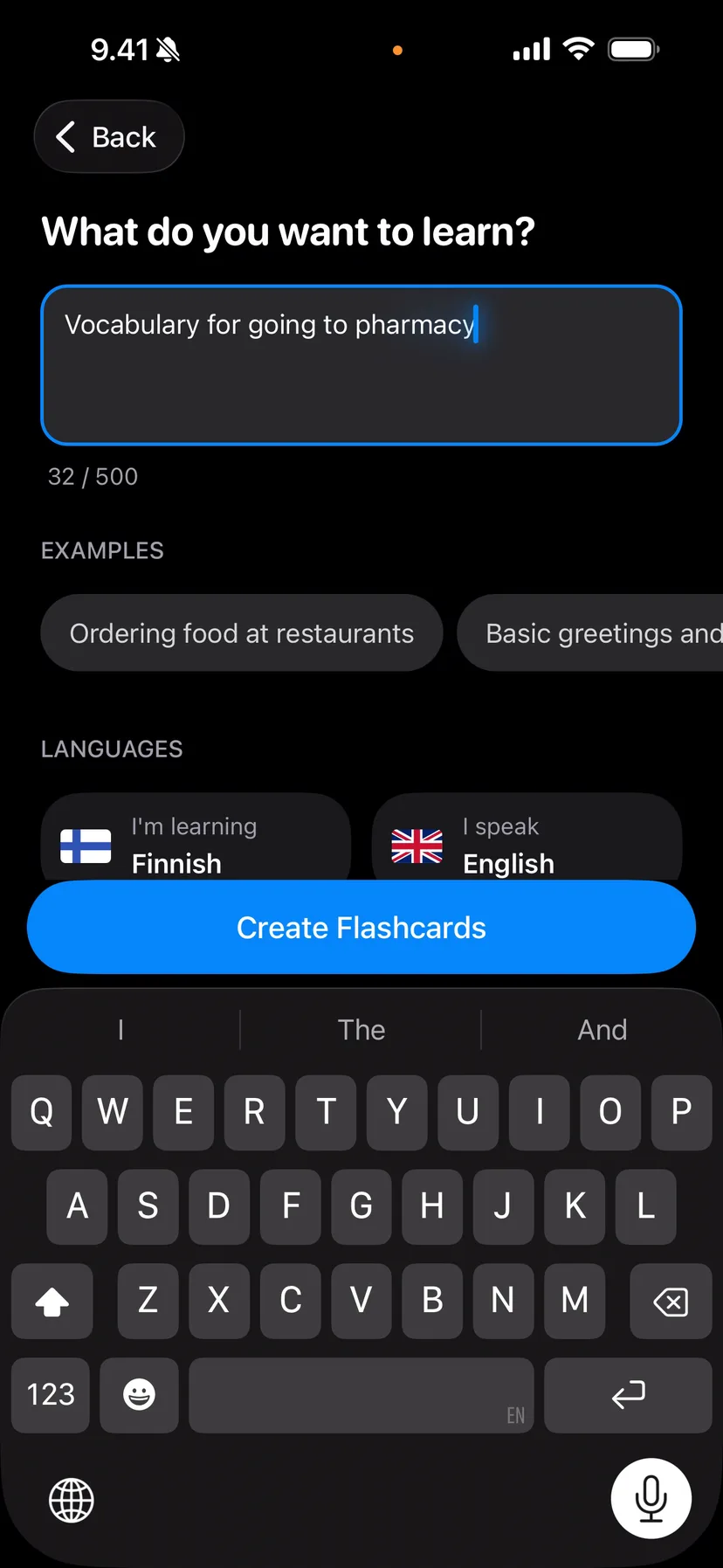
In Vocabbie, card generation works by describing what you want, pasting in your notes, or uploading a photo of a textbook page or handwritten notes. The AI builds the deck from whatever you give it, and you can review and edit before studying.
The spaced repetition scheduling starts as soon as you begin reviewing. So you go from raw notes to an actively-scheduled study plan in a few minutes, not a few hours. That's the difference between a habit that actually forms and one that never gets off the ground.