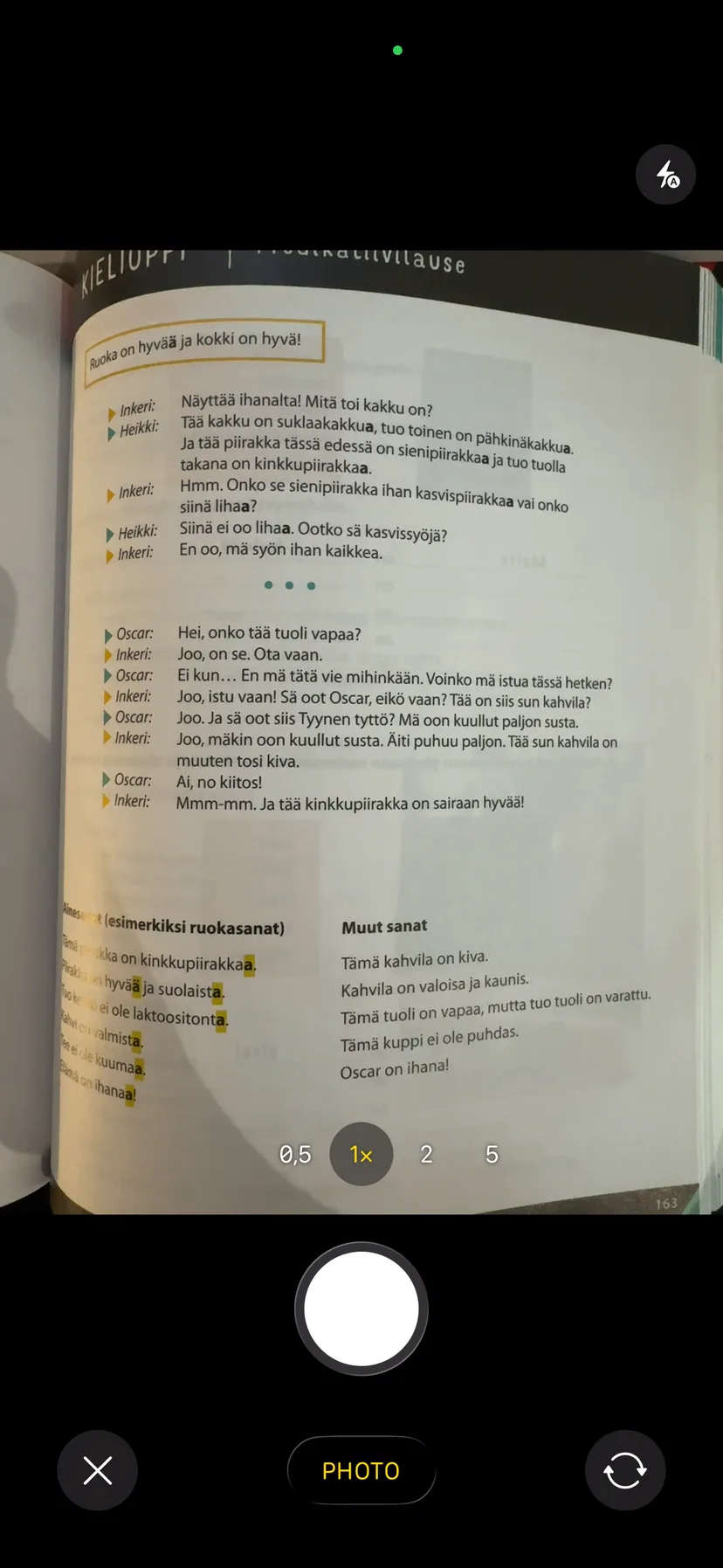
Most of the material you need to learn doesn't start as digital text. It's a chapter you've been reading on the couch. Handwritten lecture notes. A printed study guide with your own annotations in the margins. A whiteboard photo from a review session.
Typing all of that into a flashcard app is tedious enough that most people just don't. And so the notes sit there, and you reread them instead of actually learning them.
The better workflow is to photograph the page and let AI turn it into flashcards for you.
What's actually happening
Modern AI models can read images well enough to understand not just the words on a page, but the structure and meaning of the content. When you point one at a page from a biochemistry textbook, it can identify what's a definition, what's a process, what's an exception worth remembering, and draft flashcard questions from each of those.
This isn't OCR that blindly extracts text. It's more like having someone read the page and decide what's worth testing. The result is a set of cards that are actually shaped like flashcard questions, not just raw text pasted into card format.
When this works well
Printed text is the sweet spot. A page from a textbook, a printed PDF, a typed article, anything with clear, readable text and reasonably organized content. AI handles this very reliably.
Clear handwriting also works better than you might expect. If you write in a consistent hand and your notes have some structure (headings, bullet points, numbered steps), the results are usually good. I've gotten solid cards from handwritten notes that I would have called messy.
Structured content helps. A page that has defined terms followed by explanations, or a table, or a numbered list, gives the AI natural places to draw card boundaries. A page that's one long paragraph of prose takes more interpretation.
When it works less well
Dense equations are tricky. AI can read a formula, but turning a page of derivations into useful flashcards requires understanding which steps are worth testing vs. which are intermediate work. The results can be hit or miss. I'd still try it and then edit, rather than skipping the photo approach entirely.
Heavily annotated pages, where there's underlining, sticky note text overlapping the main content, and margin notes going in three directions, can confuse the model about what's the original text and what's your commentary. If the page is really chaotic, you might get better results cropping to one section at a time.
Diagrams without text labels aren't flashcard-able on their own. If you photograph a diagram that has labels, the AI can work with that. An unlabeled chart or graph needs a caption to be useful.
The actual workflow
In Vocabbie, you tap to add cards and choose the camera option. Photograph the page (or pick one from your camera roll), and the app generates a set of draft cards. This takes a few seconds.
Then you review them. This step matters. The AI will occasionally generate a card that's too vague, or miss something you actually want to remember, or combine two ideas that should be separate. Spend two or three minutes going through the draft cards: keep the good ones, delete the ones that aren't useful, and add anything it missed.
That editing pass is also its own form of studying. You're engaging with the material while deciding what's worth keeping.
The whole process, photo to reviewed deck, typically takes under five minutes for a single page. Compare that to manually typing cards, which for a dense page can easily take twenty minutes or more.
One practical tip
Don't try to photograph a whole chapter at once. Do it page by page, or section by section. It keeps the card set focused, and it's easier to review a batch of fifteen cards than a batch of sixty. You can always combine decks later.