Anki has been the gold standard for spaced repetition flashcards for nearly two decades. If you've spent any time in language learning communities, you've seen it recommended endlessly, and that reputation is mostly deserved. But deserved doesn't mean it's the right tool for everyone. Let's be honest about both.
What Anki gets right
The core algorithm in Anki is excellent. It's based on SM-2, a scheduling algorithm developed in the late 1980s, and it genuinely works. You rate how well you recalled each card, and Anki adjusts when you'll see it again. Cards you know well disappear for weeks or months. Cards you struggle with come back the next day.
The community is massive. There are pre-built decks for almost any subject, including medical school content, JLPT vocabulary, and language-specific decks with thousands of cards. If you want to use other people's work as a starting point, Anki has that covered.
It also runs on desktop, iOS, Android, and syncs between them. The desktop version is free. AnkiMobile on iOS costs money, which surprises a lot of people.
Where Anki falls down
The interface. I'm going to be direct: Anki looks and feels like software from 2008 because a lot of it is. The desktop app in particular has an interface that requires real patience to learn. Creating a card deck, setting up note types, formatting cards with the fields you want, understanding how syncing works, none of this is intuitive.
Making cards manually is also slow. You open the card editor, fill in the fields, format it, add a tag, save, repeat. If you want to add example sentences or format things nicely, that's more work. It's the kind of friction that makes people build a deck of 50 cards over a weekend and then abandon the whole project.
There are browser extensions and tools that help with card creation, but now you're managing a small ecosystem of plugins just to study vocabulary comfortably.
What Vocabbie does differently
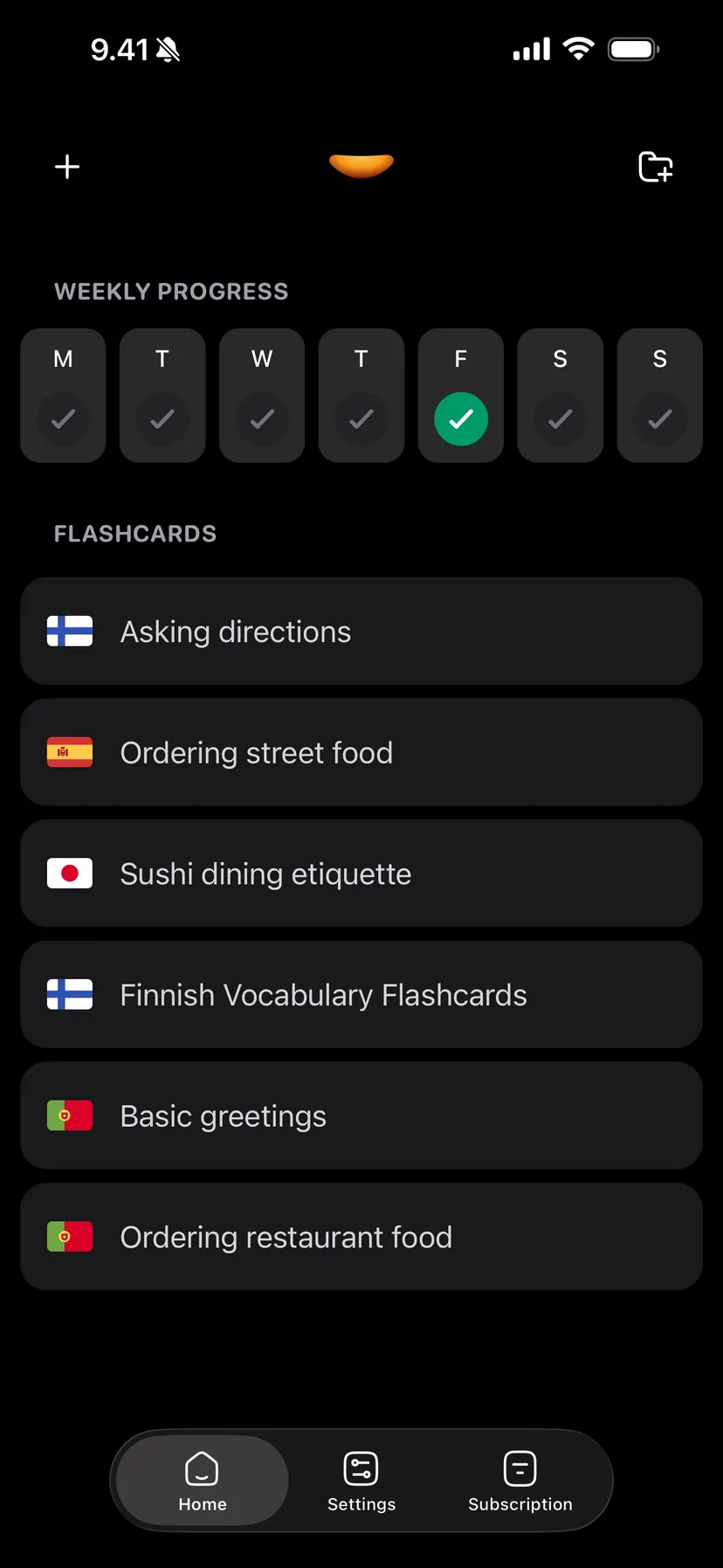
Vocabbie was built around the card creation problem. Instead of typing out cards one at a time, you describe what you want to learn, paste in notes, or upload a photo, and AI generates the cards. A full deck of vocabulary with example sentences takes seconds instead of an hour.
The interface is modern and mobile-first. Everything feels like it was designed in the last few years, because it was. Reviewing cards on your phone doesn't feel like using a productivity tool from the previous decade.
Spaced repetition is built in, and it handles itself. You don't configure it. You don't choose between different scheduling algorithms. You just study, and the app decides what to surface and when.
Vocabbie is more than cards now
Since this post was first written, Vocabbie has grown into a language course. Lessons happen in a chat: a few lines, then a question, and the reply under your answer explains what the words meant and whether it worked. Finnish, Spanish, Croatian, German, French, Italian and Swedish have written courses, and 83 more languages get lessons written as you go. The decks described above are still there, for your own words.
Who should use which
If you're a power user who enjoys configuring things and already has a system built in Anki, or if you rely heavily on community decks, there's no reason to switch. Anki's algorithm is good, the community resources are unmatched, and if you've already absorbed the learning curve, it works.
If you're someone who keeps trying to start a study habit and keeps getting derailed by setup, or if you want to turn your own notes and learning material into flashcards quickly, Vocabbie removes the friction that kills follow-through.
The honest summary: Anki rewards the people who put in the upfront work to learn it. Vocabbie works for everyone else, which is most people.